
Welcome to Synchrony™
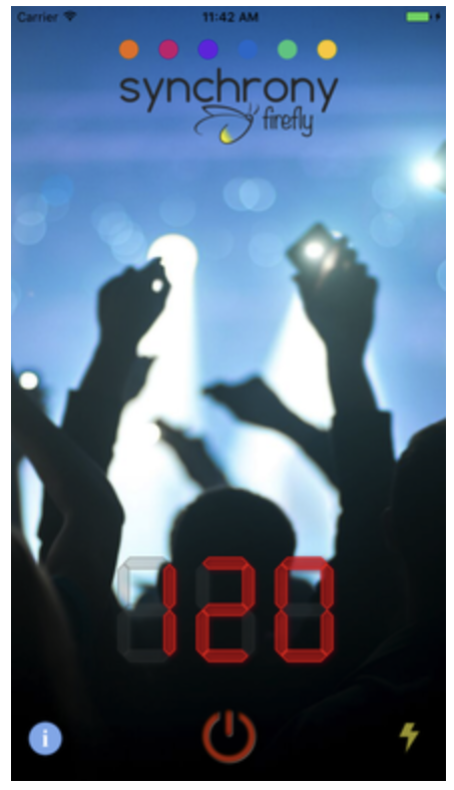
Synchrony™ Firefly listens to music using the built-in microphone. Powered by an advanced neural network that synchronizes oscillations to music, it finds the beat of any music in real time. Synchrony tells you the tempo as it listens. It's great for finding the tempo of live or recorded music, and for practicing keeping a steady beat.
It can also flash the screen or the flashlight to the beat, like a Firefly. Fun for concerts and for dance parties.

Listening to Music
Touch the blue "power" button in the center of the screen to start listening. Touch the red power button at the bottom of the screen to stop.

After a few seconds, Synchrony™ will find the beat. The screen will begin flashing in time to the music and the BPM (beats per minute) meter will be updated to display the current tempo.If you want it to get the tempo of a new song, toggle listening "off" and then "on" again.
Display Options
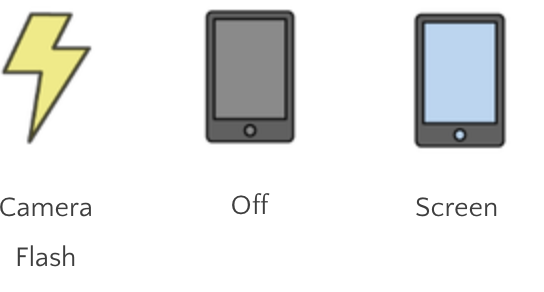
Use the icon in the bottom right to cycle between display modes: camera flash, off, and screen.
"Camera flash" will pulse the flash of your rear-facing camera while "screen" (the default) will flash your screen under the BPM meter.
support@oscilloscape.com